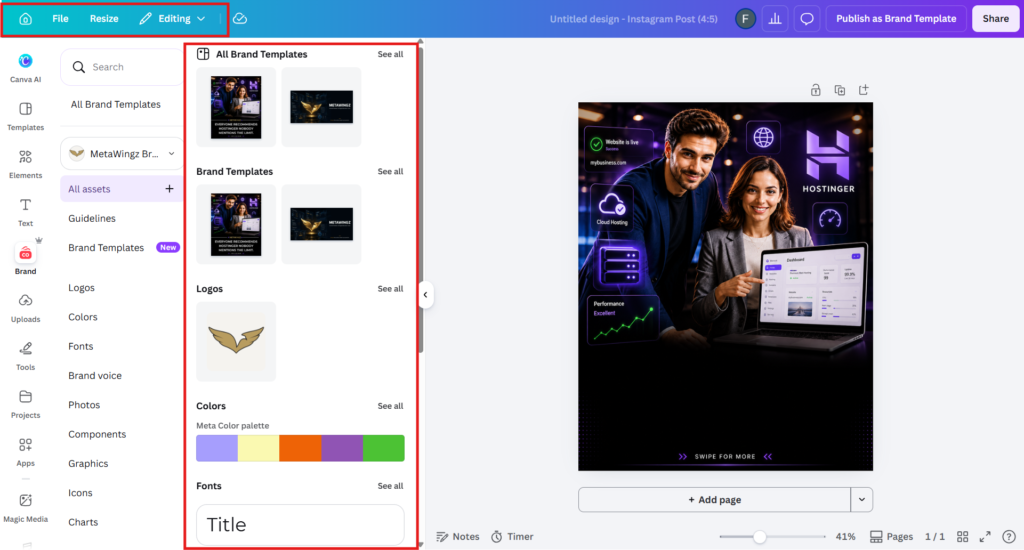
Canva's free Brand Kit includes one kit with up to 3 brand colours only. Logo upload and custom font upload are both Canva Pro features.
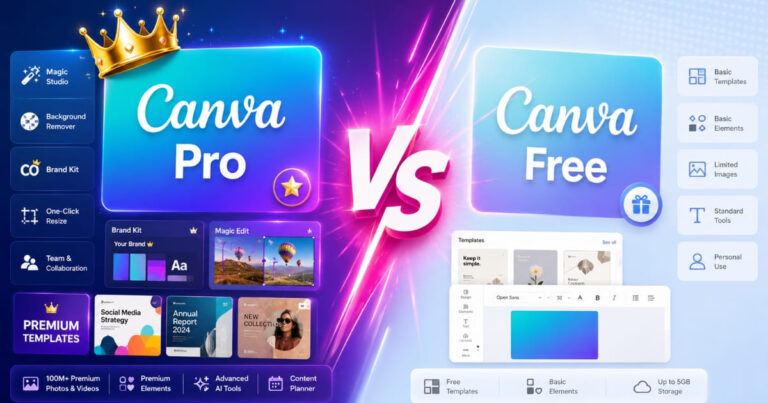
Multiple Brand Kits (up to 5) require Pro at $18/month or $144/year. If you manage one simple brand with system fonts, the free kit may be enough.
If you need logo storage, custom fonts, or multiple client brands, Pro is necessary.
Pros
Free plan colour palette is genuinely useful for basic brand consistency
Pro Brand Kit automatically applies logo, fonts, colours to all templates
Up to 5 Brand Kits on Pro -- useful for VAs managing multiple clients
No design experience needed -- kit applies in one click across all designs
Cons
Free plan cannot upload a logo to Brand Kit -- major limitation for businesses
Custom fonts are Pro-only; free users limited to Canva's default font library
One free kit with 3 colours is too limited for most small businesses
Team Brand Kit sharing requires Business plan at $25/user/month
Canva’s free Brand Kit gives users one kit with up to 3 brand colours only — logo upload and custom fonts are both locked behind Canva Pro, and multiple Brand Kits require a Pro subscription at $18/month or $144/year.
You built a brand, and now you are fighting your own design tool to keep it consistent.
Every time you open Canva you re-pick the same hex codes from memory, re-upload the same logo, and hunt for the font that is almost your brand font. You are a small business owner or a virtual assistant, not a hobbyist, and you have heard Brand Kit fixes exactly this. So before you hand Canva $144 a year, you want one straight answer about the Canva Brand Kit free plan: what do you actually get without paying, and where is the wall?
Here is the problem every other article dances around. Most “Canva Brand Kit” guides are written to sell you Pro, so they blur the line between what is free and what is locked. You leave still unsure whether Brand Kit is free in Canva at all.
This guide draws that line precisely. By the end you will know exactly what the free Brand Kit stores, the three things only Pro unlocks, and the specific moment free stops being enough for your brand — verified against Canva’s own Help Centre, not a sales page.
The Canva Brand Kit free plan is real but minimal: it stores up to three brand colours in a single Brand Kit, and nothing more.
Logo upload to Brand Kit and custom font upload are both Canva Pro features — neither works on the free plan as of 2026.
Canva Free gives you one Brand Kit; Canva Pro unlocks multiple Brand Kits, the deciding factor for anyone managing more than one brand.
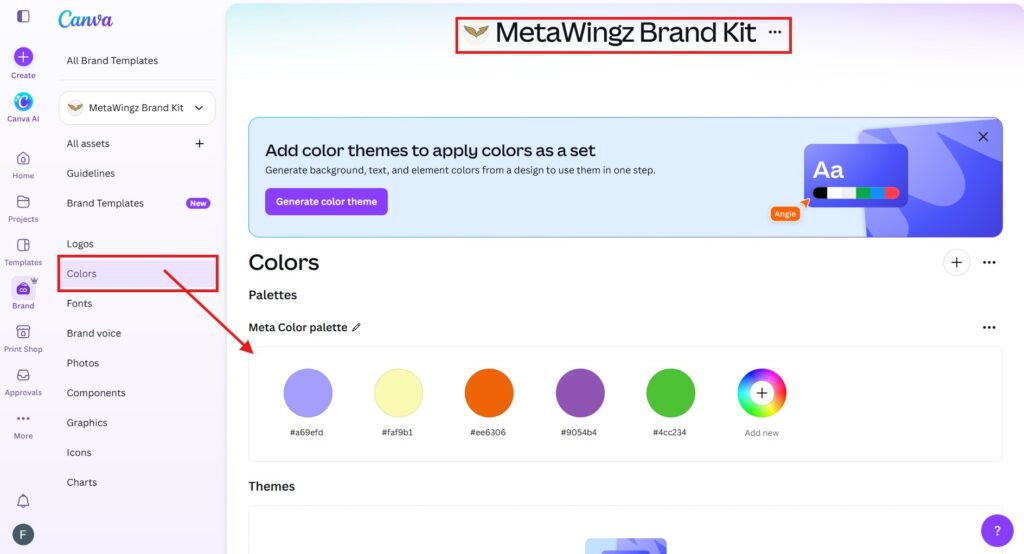
Canva free plan brand colours are capped at three swatches, which is fine for a simple identity and limiting for a full palette.
The free Brand Kit stops being enough the moment you need a second brand, a custom typeface, or a stored logo. Match the plan to your number of brands, not to the feature list.
Canva Pro costs $18 per month or $144 per year and includes a 30-day free trial, so the upgrade can be tested before paying.
If you run one simple brand with system fonts, staying on the Canva Brand Kit free plan is the honest right call.
Is Canva Brand Kit Free? The Direct Answer
Canva Brand Kit is only partially free: the Canva Brand Kit free plan lets you store up to three brand colours in one Brand Kit, but uploading a logo, uploading custom fonts, and creating multiple Brand Kits all require Canva Pro.
That is the whole answer, and it is more limited than most guides admit. If your only question was “is Brand Kit free in Canva,” you now have it: yes for a small set of brand colours, no for almost everything else. Canva’s free plan stores up to three brand colours in a single Brand Kit as of 2026 — Source: Canva Help Centre, 2026.
The reason this matters is that brand consistency is rarely just colour. A brand is colour plus a logo plus a typeface, and two of those three sit behind the Pro paywall. So the real decision is not whether Brand Kit is free, but whether the free slice covers your brand.
What Canva Brand Kit Actually Does
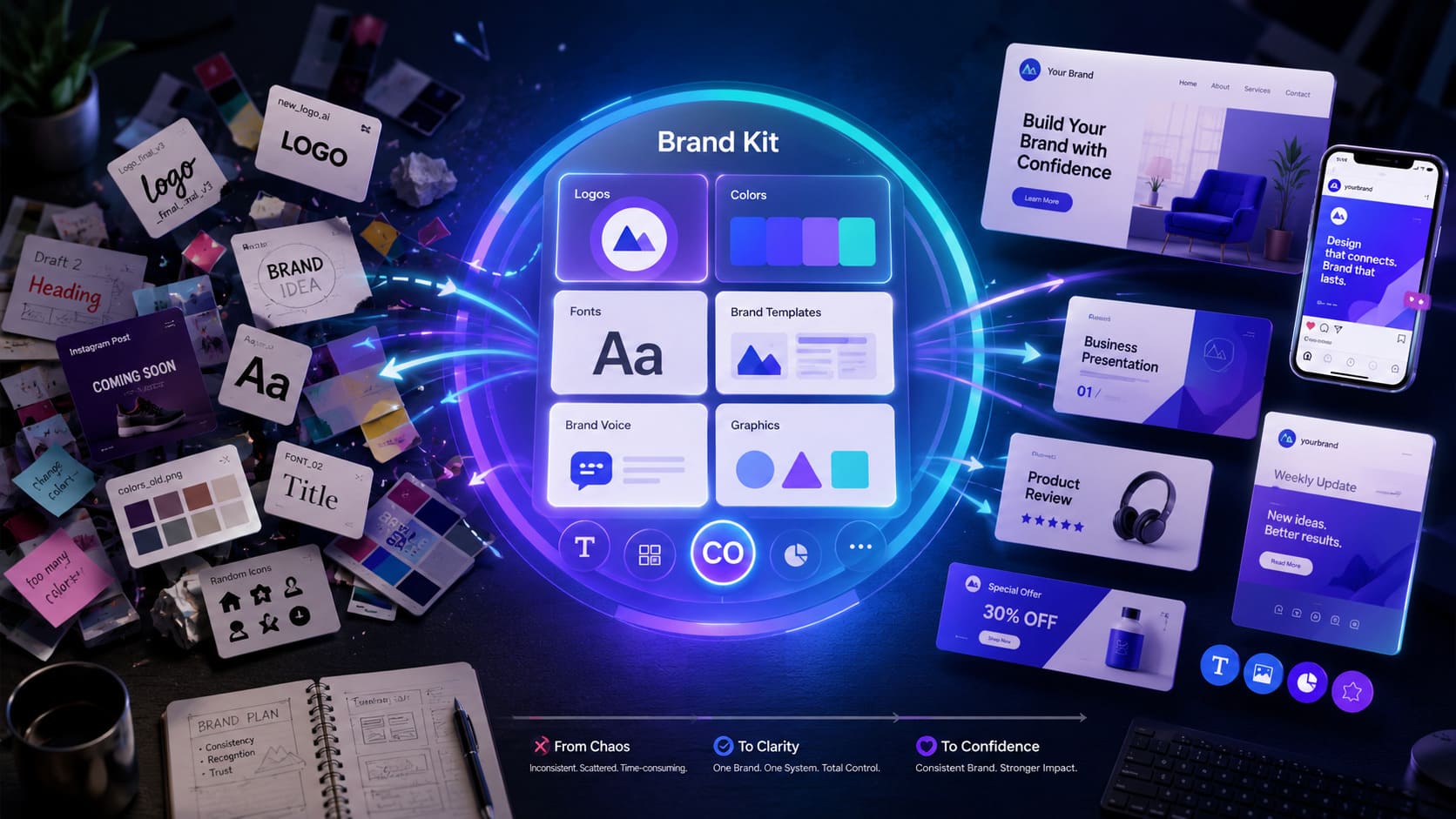
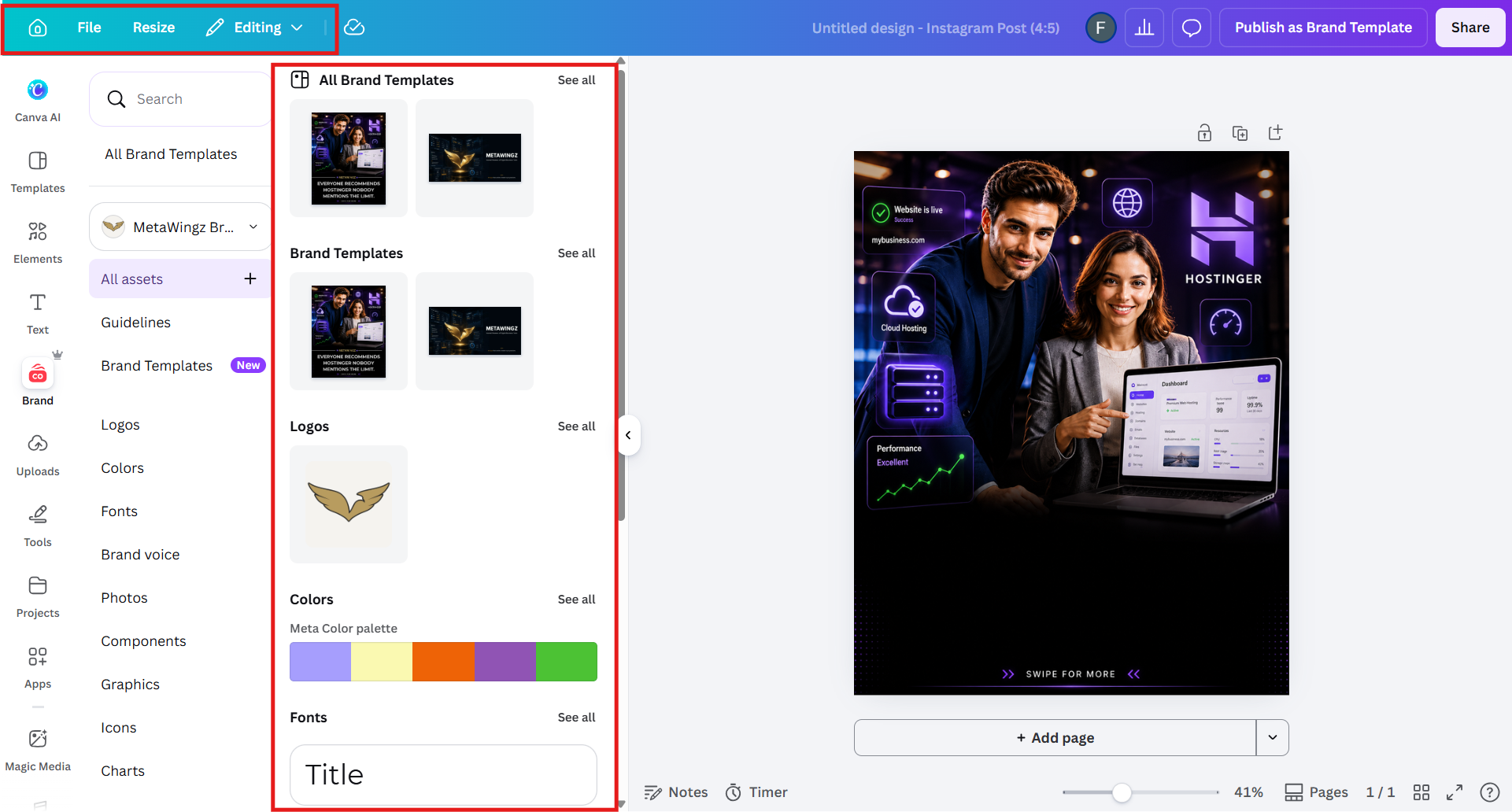
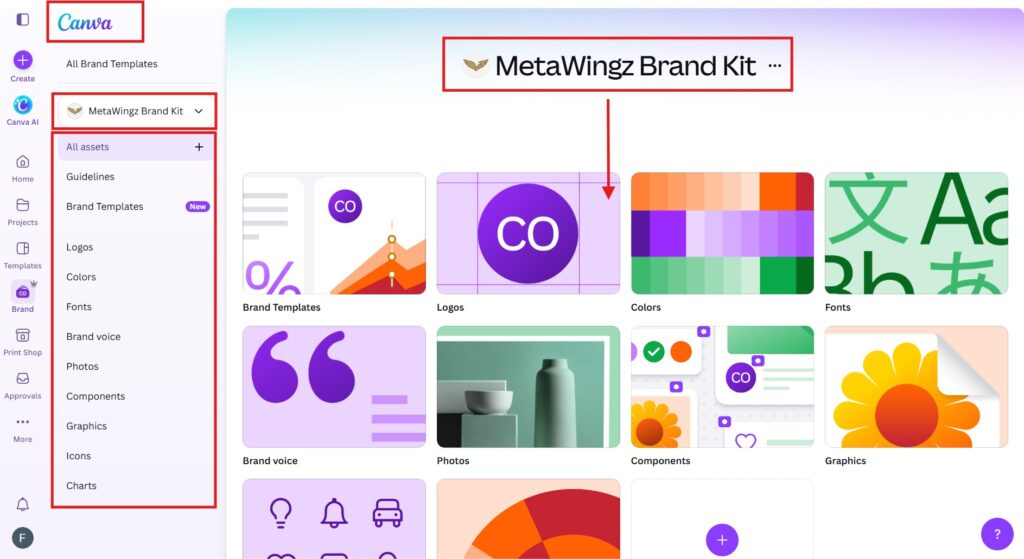
Canva Brand Kit is a central store for your brand’s colours, fonts, and logos so they are one click away inside every design instead of re-uploaded each session.
Think of it as the difference between a tidy desk and a pile of files. Without Brand Kit you re-find your hex codes, re-upload your logo, and re-select your fonts every time you start a design. With it, those assets live in a panel you pull from instantly. That saved friction is the entire point of the feature, and it is why the Canva Brand Kit free plan still has value even in its stripped-down form.
For a one-person business this consistency is the difference between looking established and looking improvised. The catch is that the free tier stores only the colours, while the assets most brands lean on hardest — the logo and the typeface — are the parts Canva reserves for Pro.
What the Canva Brand Kit Free Plan Includes in 2026
The Canva Brand Kit free plan includes exactly one Brand Kit, up to three brand colours, device sync, and nothing else — every other Brand Kit capability is Pro. Here is the line-by-line breakdown of the Canva brand kit limitations free users hit, drawn from Canva’s Help Centre. Read it against your own brand: if your identity is three colours and a built-in font, the free row is all you need.
Three Canva Pro Brand Kit features are missing from the free plan entirely: custom font upload, multiple Brand Kits, and logo storage with team sharing.
1. Custom font upload
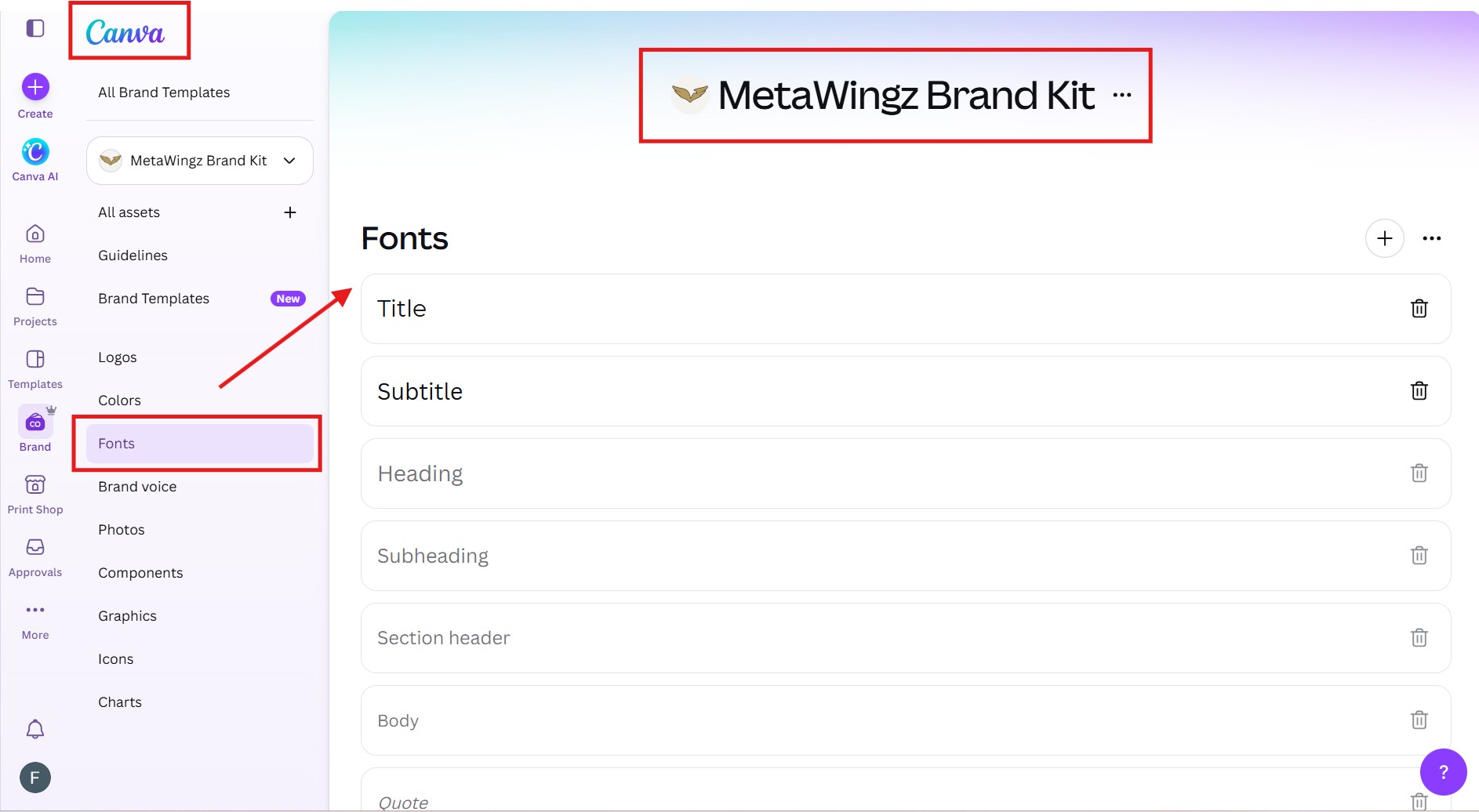
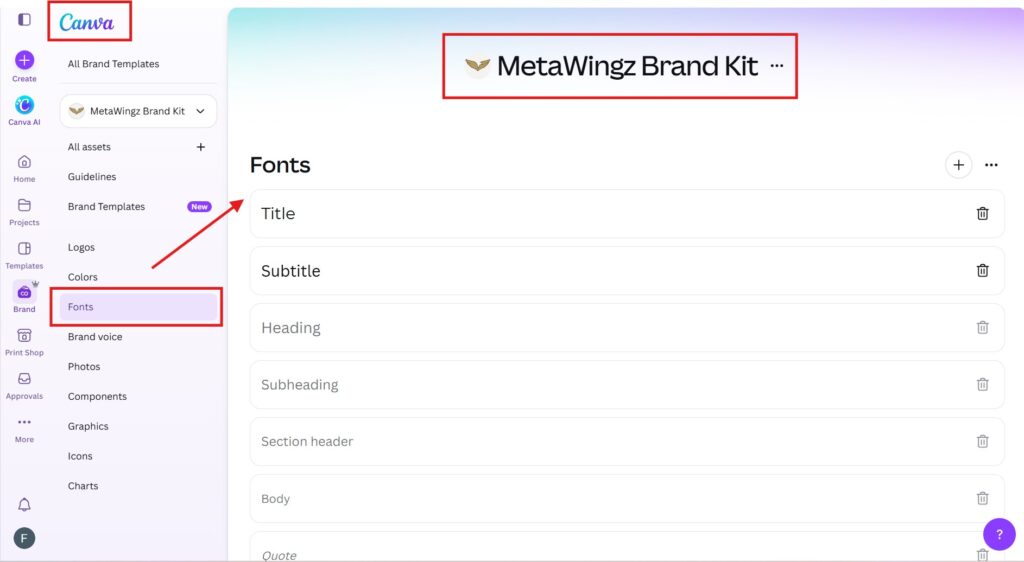
Custom font upload lets you load your brand’s actual typeface into Canva, and it is exclusively a Canva Pro feature. Free users choose from Canva’s library of 3,000-plus fonts but cannot add a brand-specific typeface. If your brand is defined by a particular font, the free plan cannot keep you on-brand — full stop.
2. Multiple Brand Kits
Multiple Brand Kits is the ability to store separate colour, font, and logo sets for different brands, and it is the single most important Pro upgrade for anyone serving clients. A virtual assistant with four clients needs four kits; the Canva Brand Kit free plan gives one. This is where Pro stops being a luxury and becomes a workflow necessity.
3. Logo storage and team sharing
Logo storage inside Brand Kit and the ability to share a kit with teammates are both Pro-tier capabilities. On free, you cannot save a logo into the Brand Kit at all, and there is no way to push a shared brand to a second designer. For any business with more than one person touching designs, that gap forces an upgrade.
When the Canva Brand Kit Free Plan Stops Being Enough
The Canva Brand Kit free plan stops being enough the moment your work requires a second brand, a custom typeface, or a stored logo — those are the three exact trigger points.
Most upgrade advice is vague. This is not. There are precisely three triggers, and if none apply to you, you should stay free and ignore every upgrade prompt Canva shows you.
Trigger 1 — a second brand. The minute you manage more than one brand identity, one Brand Kit cannot hold both. This is the most common reason VAs and freelancers upgrade.
Trigger 2 — a custom font. If your brand uses a typeface that is not in Canva’s built-in library, the free plan physically cannot store it. Pro is the only path to that consistency.
Trigger 3 — a stored logo or a team. If you need your logo saved in the kit, or a second person designing on-brand, free blocks both.
If you read those three and none describe your situation, here is the honest verdict most review sites will not give you: stay on free. The Canva free plan brand colours feature alone keeps a simple, single-brand identity consistent at zero cost.
Brand Kit alone is worth a Canva Pro upgrade if you manage two or more brands or need a custom font; for a single simple brand, it is not.
Canva Pro costs $18 per month or $144 per year and includes a 30-day free trial — Source: Canva pricing page, 2026. Run that number against your reality. For a virtual assistant managing more than one client brand, Canva Pro’s multiple Brand Kit feature typically pays for itself within the first month, because the alternative is re-uploading every asset on every project, every time.
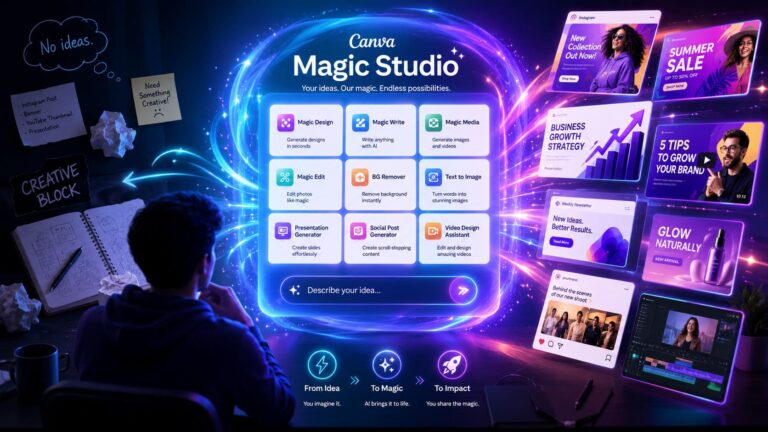
For a solo owner with one brand and a built-in font, the math flips. You would be paying $144 a year to remove a logo-upload limit you can work around by dropping the logo in from your uploads folder. In that case the upgrade only makes sense if you also want Canva Pro’s other features — Magic Studio, premium templates, background remover — not Brand Kit on its own.
Who Should Upgrade to Canva Pro — And Who Should Wait
Upgrade to Canva Pro if you manage multiple brands or need a custom font or stored logo; wait or stay free if you run one simple brand on built-in fonts.
Reader profile
Verdict
Reason
VA managing 2+ client brands
UPGRADE
One Brand Kit on free is not enough — multiple kits require Pro and pay back from the first project.
Solo owner needing a custom font or stored logo
UPGRADE
Free cannot store a custom typeface or a Brand Kit logo. Pro is the only way to hold them.
Solo owner, 1 brand, built-in fonts only
TRIAL FIRST
Free covers 3 brand colours. Start the 30-day trial to see if other Pro features earn the cost.
Freelancer / agency with 5+ clients
PRO ESSENTIAL
Multiple Brand Kits alone justify the cost — each client gets their own kit, no re-uploading.
Personal project / no formal brand
STAY FREE
Brand Kit is not relevant without a defined identity. The free plan is plenty.
In plain English: the Canva Brand Kit free plan is built for one simple brand. The day you outgrow that — a second brand, a custom font, a team — Pro stops being optional. Until then, your money stays in your pocket.
How to Set Up Your Canva Brand Kit on the Free Plan
Setting up your Brand Kit on the Canva free plan takes under five minutes and immediately stops the hex-code hunt every time you open a new design.
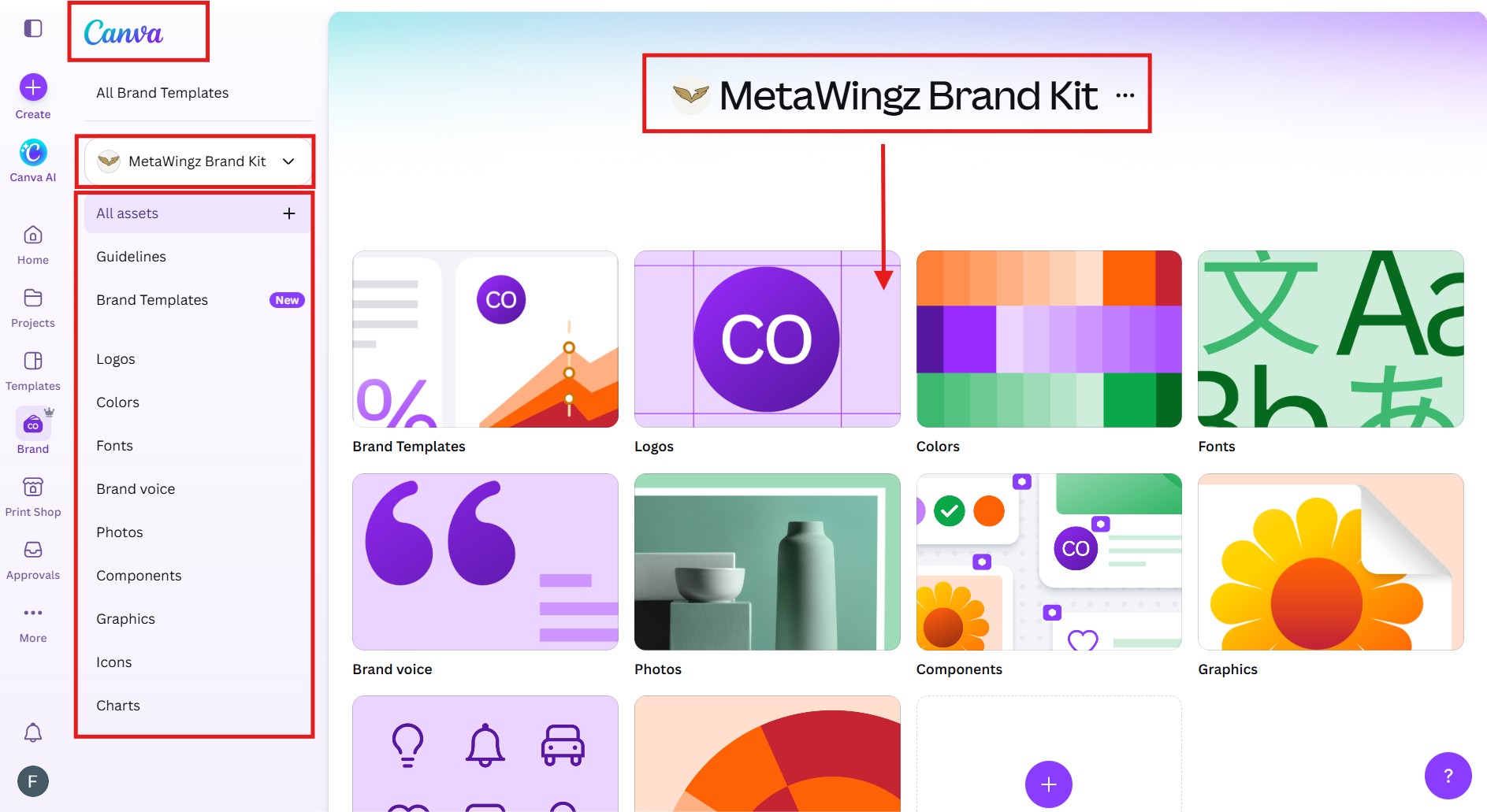
Step 1: Open Brand Hub. Log in to Canva and look for the Brand Hub option in the left-hand navigation panel. On the free plan, you will see a single Brand Kit slot ready to configure. If you cannot find it, go to Home and search for “Brand Kit” in the search bar.
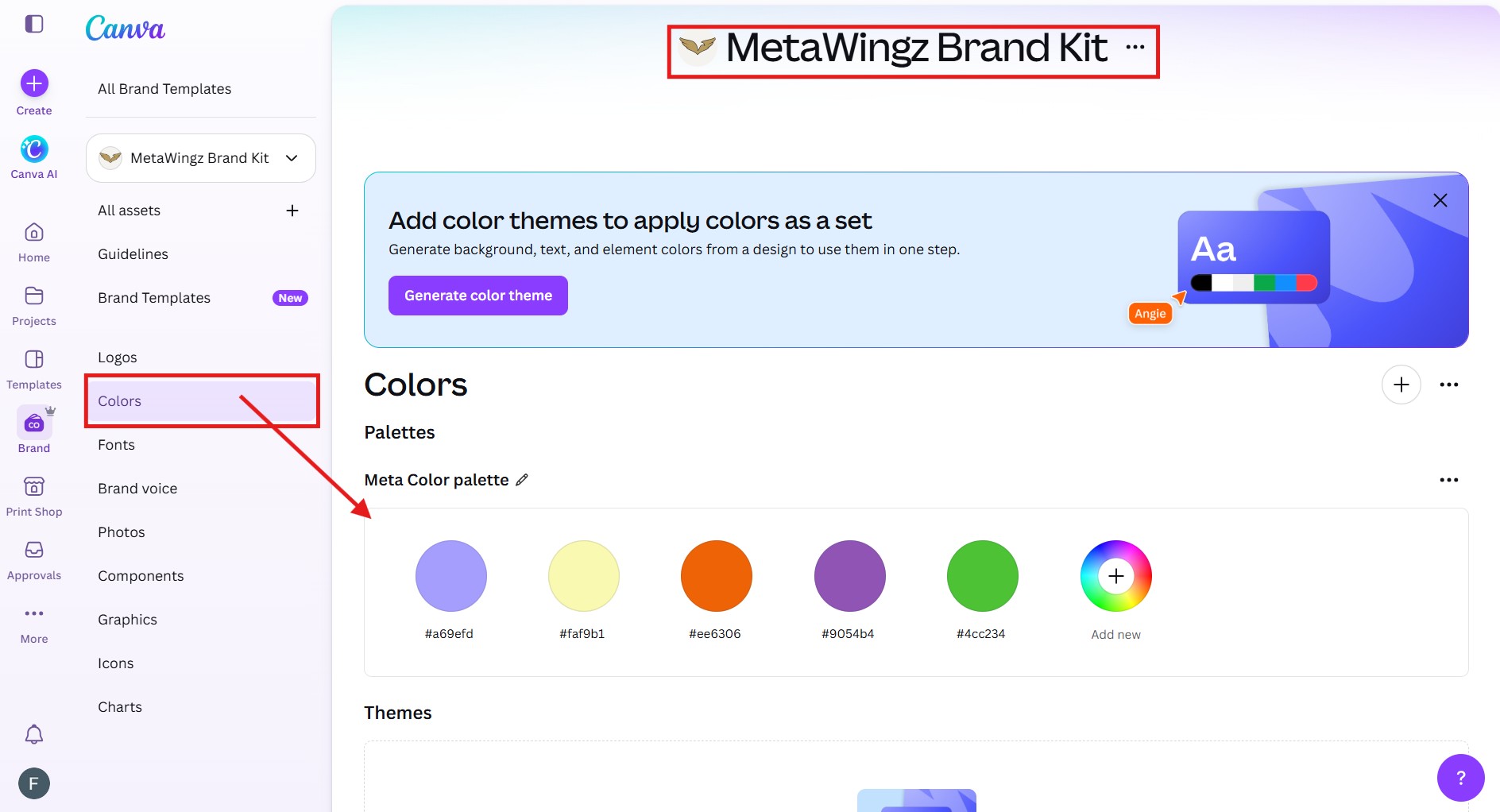
Step 2: Add your brand colours. Click the plus icon under Brand Colours and enter your hex codes directly — one for your primary colour, one for secondary, and one for accent if you use one. You have three slots total on the free plan. Add them in the order you reach for them most often; Canva pulls Brand Colours to the top of every colour picker inside any design you open.
Step 3: Save and test immediately. Open any existing design or a blank canvas, then open the colour picker. Your three brand colours now appear at the top of the panel under Brand Colours, ahead of Canva’s default palette. That is the entire free Brand Kit setup — no font upload, no logo save, those are Pro. For colour consistency across every design from today forward, this three-minute setup pays for itself on the first project you open.
If your brand uses a typeface outside Canva’s 3,000-plus built-in library, the free plan has no path to store it. For that specific case, Pro is not optional — it is the only way to keep your designs on-brand. Designers who want free custom font options in the interim can source typefaces from Google Fonts and use them as system fonts in Canva designs, which works fine for personal projects but does not give you the Brand Kit integration that Pro enables.
Metawingz Final Verdict: Canva Brand Kit Free Plan
The Canva Brand Kit free plan is a genuine but narrow feature — honest, useful for one simple brand, and not enough for anyone managing a second brand, using a custom font, or working with a team.
That is the verdict most review sites bury under “it depends.” At Metawingz we say it plainly, because it saves you from paying for something you do not need — or staying on a plan that is quietly costing you time.
If you are a solo creator, small business owner, or virtual assistant with one defined brand identity and you are comfortable with Canva’s built-in font library, the free Brand Kit delivers real value at zero cost. Three brand colours stored in one kit, synced across devices, always one click away in every design you open — that is a genuine upgrade to your workflow and it costs nothing. For a simple single brand, this is the honest right call and we will not tell you otherwise.
That stops being enough the moment any of three specific conditions appear in your work. The moment you take on a second client and their brand needs its own kit. The moment your brand identity depends on a specific typeface that sits outside Canva’s library. The moment a second designer needs to work on-brand without rebuilding the palette from scratch on every project. When any one of those conditions arrives, the free plan does not bend to meet it.
Canva Pro at $18 per month or $144 per year removes all three limits simultaneously — unlimited Brand Kits, custom font upload, and logo storage with team sharing — and the 30-day free trial means you can test the full capability before spending a cent. For most VAs and freelancers managing two or more client brands, that first month of Pro pays for itself before the billing date arrives.
The Metawingz call: if none of the three upgrade triggers described in this article apply to your current work, stay on free and ignore every prompt Canva shows you. If even one applies, start the 30-day trial. You will know within the first project whether the full Brand Kit earns its cost — and if it does not, you cancel before paying anything.
Canva Brand Kit Free Plan: FAQ
Is Brand Kit available on the Canva free plan?
Yes, partially. The Canva Brand Kit free plan includes one Brand Kit storing up to three brand colours. Logo upload, custom fonts, and multiple Brand Kits all require Canva Pro.
How many Brand Kits can you have on Canva Free?
One. Canva Free allows a single Brand Kit, while Canva Pro allows multiple — the deciding feature for anyone managing more than one client or brand.
Can I upload my own fonts or logo to Canva on the free plan?
No. Custom font upload and logo storage in Brand Kit are Canva Pro Brand Kit features. Free users pick from Canva’s 3,000-plus built-in fonts but cannot add a brand typeface or save a logo to the kit.
How many brand colours does Canva Free allow?
Up to three. The Canva free plan brand colours limit is three swatches in one Brand Kit; Canva Pro removes the cap entirely.
What is the difference between Canva Brand Kit and Brand Hub?
Brand Kit stores your colours, fonts, and logos for use in designs. Brand Hub is a broader Canva Teams and Enterprise feature that adds approval workflows, usage analytics, and multi-user brand governance on top of Brand Kit.
Sangeetha Vishnu is a Digital Product Reviewer and Affiliate Marketer with 4 years of experience exploring affiliate marketing, digital products, AI tools, and software across multiple platforms and affiliate programs.
I research, purchase, and test the products I review before sharing my honest experience. My goal is to help entrepreneurs, marketers, creators, and beginners understand what a product actually does, who it’s for, and whether it’s worth investing in.
I also share practical insights on affiliate marketing, AI tools, SEO, and online business. My guiding principle is simple: “Authority, Built On Clarity.” I believe honest reviews and transparent recommendations build lasting trust.